Select your Free Trial

No Credit Card Required
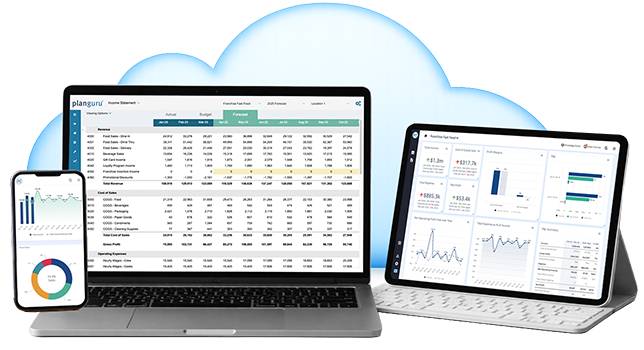
PlanGuru App

RECOMMENDED • CLOUD-BASED

PlanGuru App

Get started in minutes — no download required.
Perfect for the SMB or nonprofit budgeting/forecasting for a single entity or multiple divisions, departments, or locations.

Get up and running in minutes

  • PlanGuru Analytics: Interactive Dashboards, Reports & AI-driven Insights
  • QuickBooks Online, Xero, and Excel Import
  • Excel Import for Non-Financial Data & KPIs
  • Consolidate Multiple Divisions or Departments
  • Budget all 3 Financial Statements with 20+ Forecasting Methods
  • Non-Financial Assumptions & KPIs to Drive Your Forecast
  • Formula Builder for Custom Forecasting Methods
  • Workforce Planning, VAT/GST, and Permissions-Based Access

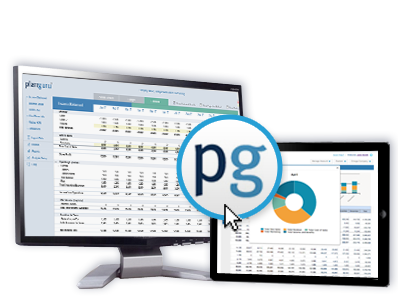
PlanGuru Desktop

Installed Windows software for teams that need budgeting data stored locally or on a server.

Requires Windows install

• Local/server-based data storage
• QuickBooks Desktop support (in addition to QBO, Xero, Excel)
• Breakeven Tool
• Business Valuation Tool
• Standard Reporting + Excel Add-in for Custom Reports

Frequently Asked Questions

Free Trial FAQs

No. You will not need to add a credit card to begin the trial.
The Free Trial is for 14 days. During or after the trial you have the option to subscribe to one of our Plans.
You can view our Plans here: Business / Nonprofit Plans | Advisor Plans
The free trial includes all features, except for Consolidations and PlanGuru Analytics. If you need access to one of those features you can always request it during your trial by emailing sales@planguru.com
Yes, any work that you do inside the Free Trial is retained when you decide to continue.
Yes, you can. However they are built on different code structures so a re-build is necessary.
Yes, you can use PlanGuru App on a Mac. It is browser based, so it can be used on any type of device. PlanGuru Desktop can only be used on a Windows-based computer or server.